
I Write 3 Notes Per Day in Just 13 Minutes Per Week - Here's How
Hint: It's not a Custom GPT

Too busy to write engaging Notes consistently?
I used to feel the same way. Every Note felt like a chore, taking way too long and rarely turning out great, even after all the effort.
Funny enough, the best-performing ones are the ones I wrote on a whim.
As a developer, my instinct is always to solve my own problems. After struggling with this for over a year, I finally cracked it.
But before we dive into how, is it worth it?
Should You Post Notes Daily
Short answer: hell yeah.
Image answer:
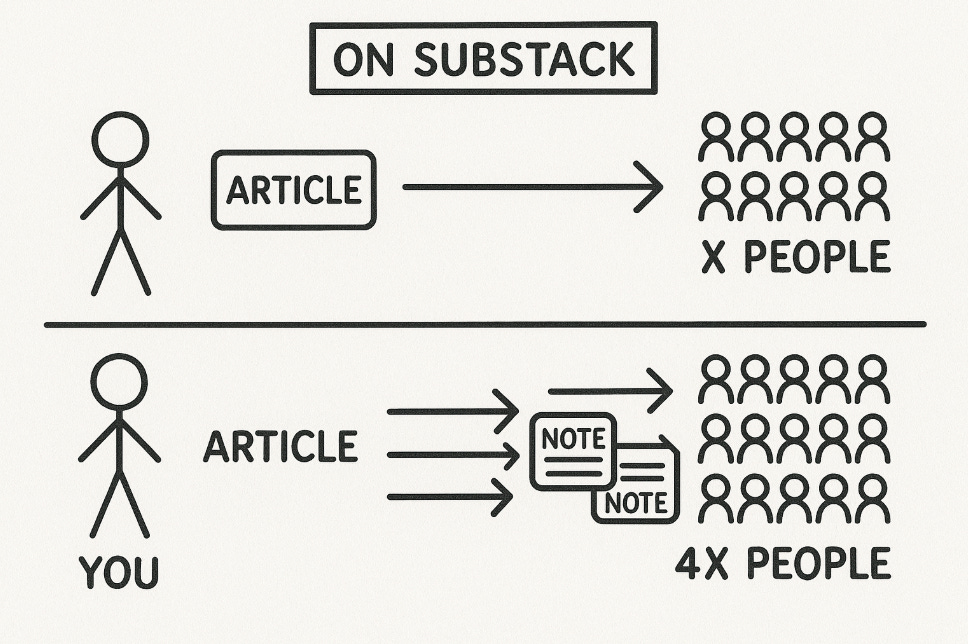
Explanation:
When you only post articles, you're betting everything on one big swing, once or twice a week. That's one chance for exposure, one shot to hook new readers, and one opportunity to grow.
Notes give you more opportunities.
You can send out 2–3, or more, every single day. Each one is a new hook and a new chance for someone scrolling Substack to find you, click you, and subscribe.
It doesn’t replace articles. It gives you more chances to get exposure.
More Notes = more impressions = more chances to grow.
Now that I've convinced you, let’s see how to do it.
The Typical Approach
You could go the DIY route.
Collecting prompts, building a custom GPT, and continually updating it. Sure, it's cheap, but it's a massive time drain.
If you've got the hours, great.
Otherwise, if you're busy building your business, a mother, a father, or working a 9-5, not so much.
I knew there had to be a smarter way, so I built WriteStack.
WriteStack: Your Secret Weapon for Effortless Notes
WriteStack is specifically designed for busy Substack creators, helping you create, manage and schedule Notes with minimal friction, while amplifying your creativity.
3 Core Features:
Easy Scheduling: No more forgetting to post or last-minute panics.
Personalized Notes Generator: Learns your style and content to quickly generate notes that sound like you.
Analytics Dashboard: Clearly see which Notes resonate to double down.
This combination helps me effortlessly queue up 21 high-quality Notes every week.
My Proven Method to Create 21 Notes Per Week (in just minutes!)
I divide my Notes into three categories:
10-15 Niche Notes: Directly related to my core audience.
1-5 Marketing Notes: Crafted specifically for engagement and action.
1-5 Viral Notes: Inspired by proven successes, either mine or others'.
Creating Niche Notes:
Generate with WriteStack’s Note Generator (30-60 seconds per batch).
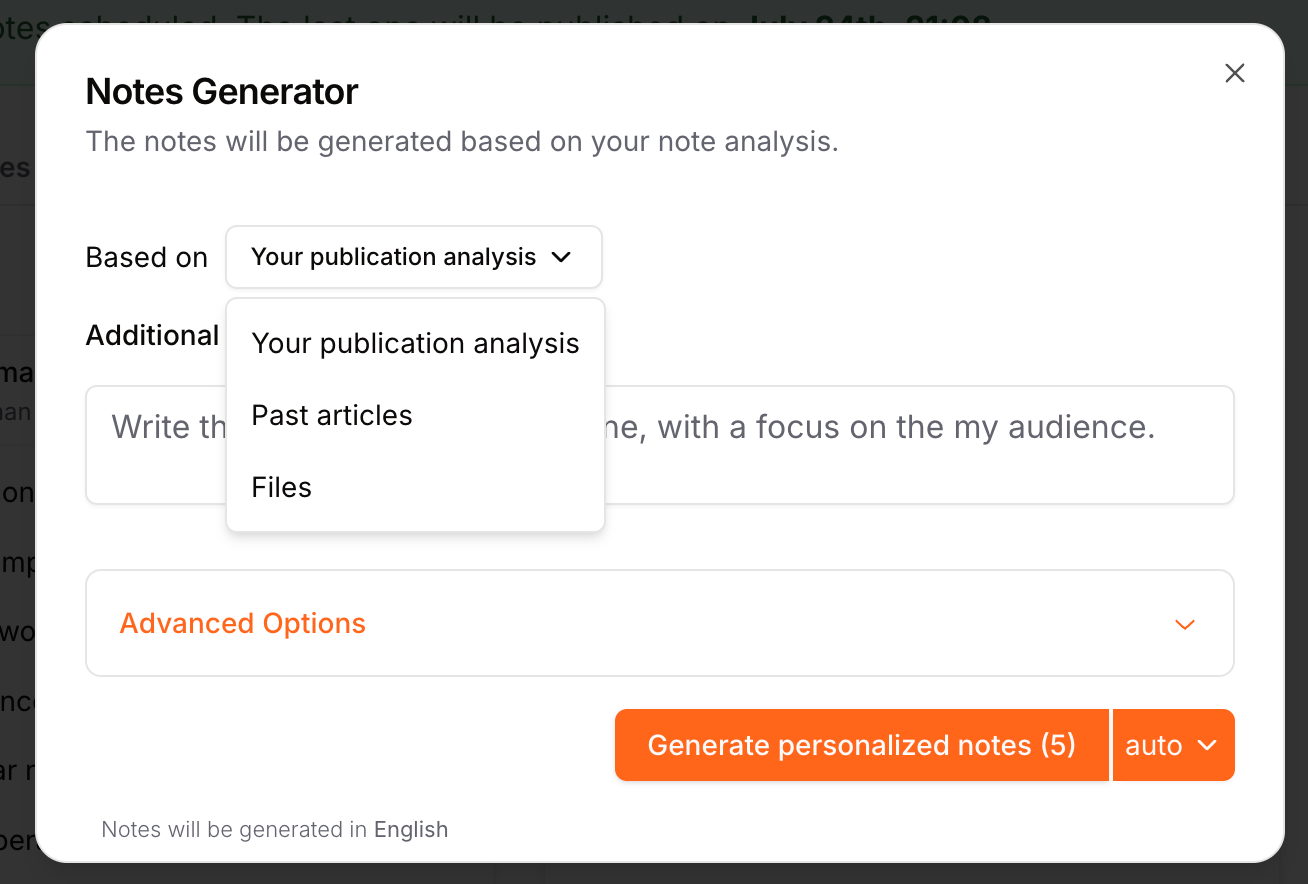
Quick edits (2-5 minutes total).
Total Time: Just 3.5-8 minutes for all batches.
Creating Marketing Notes:
Use a simple targeted marketing prompt like:
Transform the tone of the note into a persuasive marketing post that motivates readers to click, reply, and share, while keeping the same message.Inside the “additional details” section

Generation: 30-60 seconds
Edits: 1 minute
Total Time: 1.5-2 minutes
Creating Viral Notes (Two Quick Methods):
Option 1: Inspiration Page
Find inspiration: 1 minute
Write your version: 1-2 minutes
Total Time: 2-3 minutes
Option 2: Stats Dashboard
Identify top performers: 1 minute
Rewrite quickly: 1 minute
Total Time: 2 minutes
Total Weekly Time:** 7-13 minutes to create all 21 notes. Crazy efficient, right?
"But Won't It Hurt My Authentic Voice?"
Here's the beauty of WriteStack: not only would it not hurt your voice, but it will help you find it and amplify it.
The system analyzes your previous posts to deeply understand your style and niche.
Every generated note is built specifically to how you naturally write, to help you become more consistent without losing authenticity.
Creators frequently tell me that WriteStack not only made posting easier but also helped them clearly define and amplify their unique voice.
Scheduling? Effortless
Scheduling 21 notes takes about one minute and exactly 42 clicks:
Choose your note
Click "Add to Queue"
Repeat
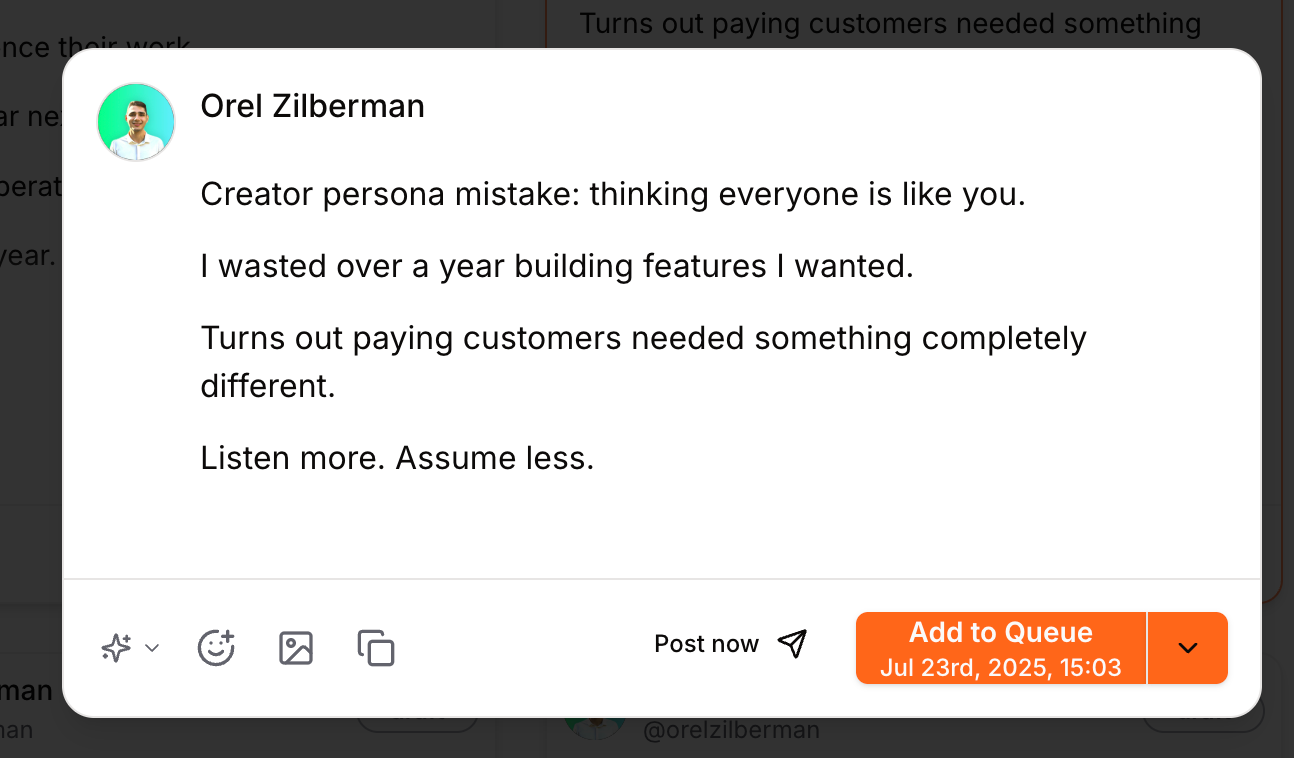
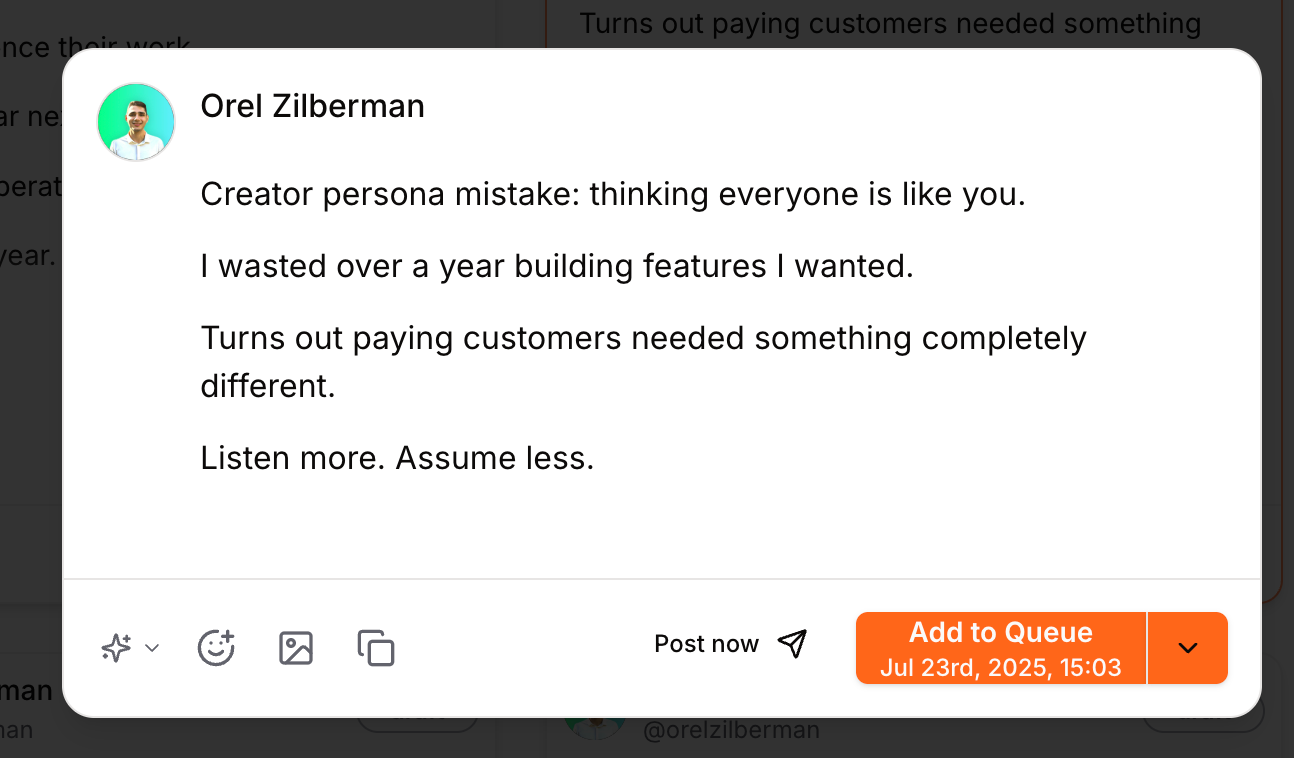
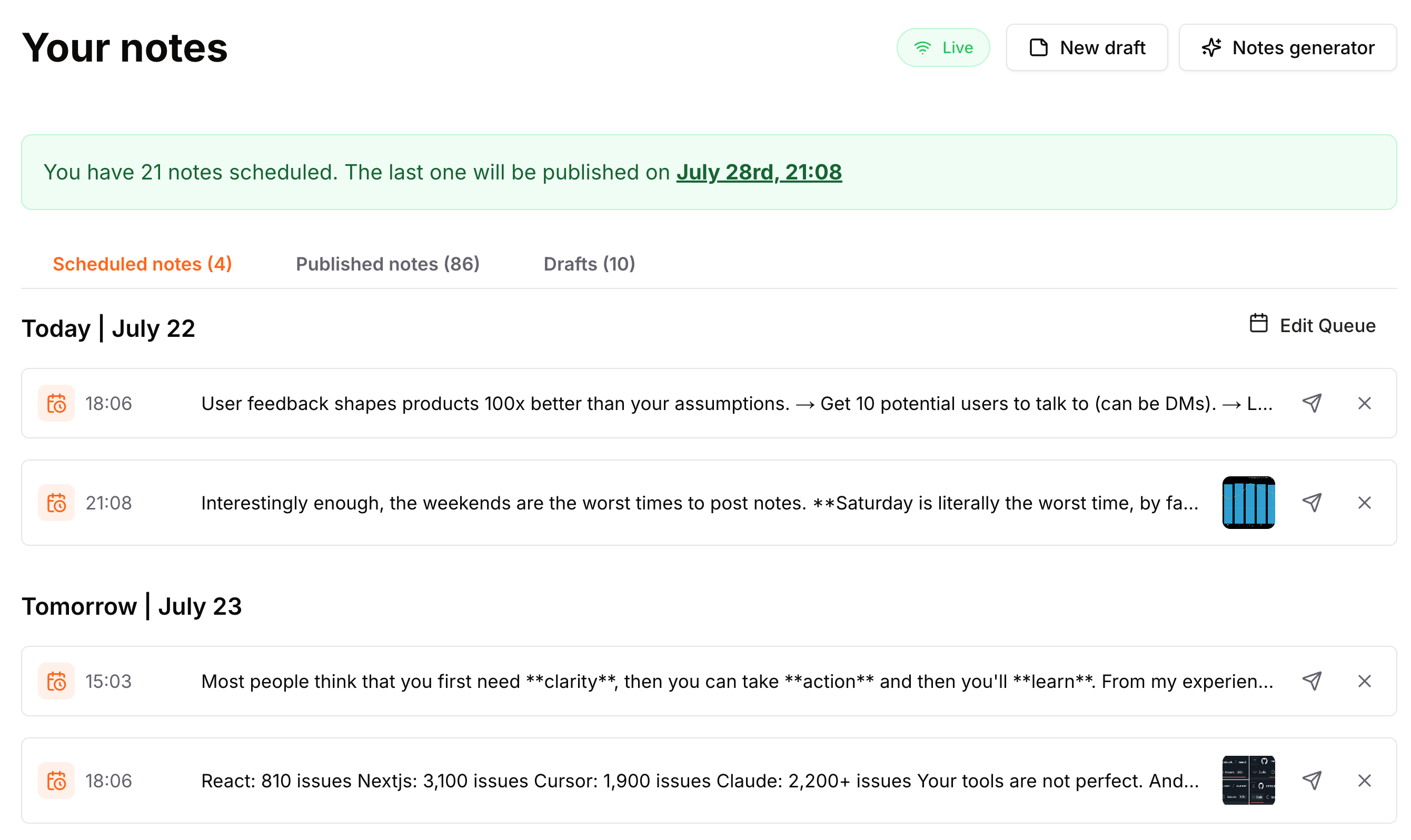
Done. Your content strategy is set for the week, stress-free.
Final Thoughts
If you're short on time but still want to leverage Substack Notes, WriteStack is your best bet.
Less struggle, more growth.
“Leveraging Writestack has saved me at least 4 hours a week.
Four hours is precious - I work full-time, write, spend time with my family in my free time, and squeeze in some time for exercise.”
-
P.S.
If you’re interested in trying WriteStack, for free, go ahead and use the link below.
You get a 7-day free trial.
Love these hacks! Thank you!!
Great insights. Love 💕 it